
The biggest tech story of 2026 isn’t a faster chip — it’s the AI PC. Your next laptop won’t just run apps; it’ll run intelligence on the device itself, summarising, editing and creating without the cloud — and the people getting ahead aren’t the ones with the flashiest spec sheet, they’re the ones who matched the machine to the work. The problem is that most of us still buy a computer the way we did years ago — grabbing whatever’s on the shelf, at full price, over- or under-powered for what we actually do — and leave both performance and real savings on the table. The fix isn’t buying less computer. It’s buying smarter.
That’s the home turf of Lenovo. Founded in 1984 in Beijing as Legend, it bought IBM’s PC business — and the legendary ThinkPad — in 2005, and has been the world’s number-one PC maker since 2021, with around US$69 billion in annual revenue. It builds a machine for every mission: ThinkPad for business, Yoga for premium and creative work, Legion for gaming, IdeaPad for everyday value, plus tablets, desktops, monitors and Motorola phones — now led by a new wave of AI PCs (Copilot+ and Lenovo’s Aura Edition) with on-device intelligence. Two things turn that catalogue into a system: you can configure most machines to order on Lenovo.com, and buying direct unlocks MyLenovo Rewards, trade-in and financing. The golden rule: sign in and buy direct before you commit, because the configurator, reward points and best offers live there. Here’s the playbook.
Step 1: Match the Machine to the Mission, Not the Hype
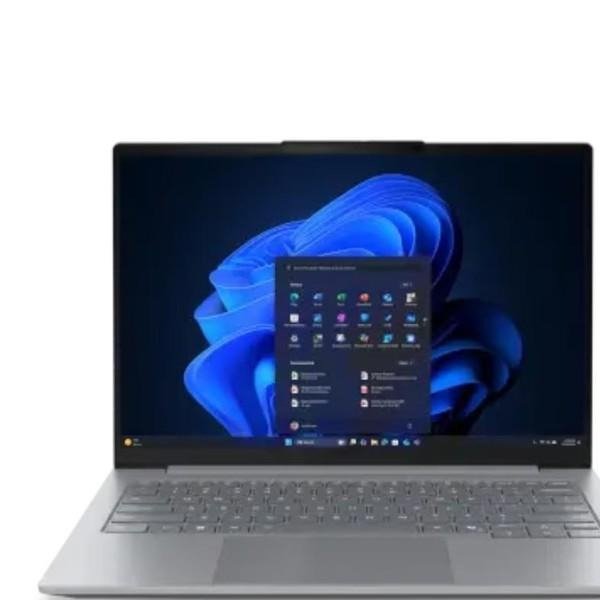
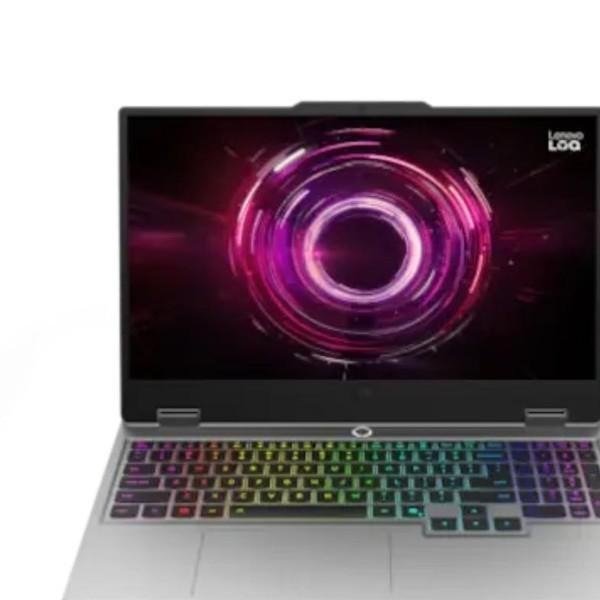
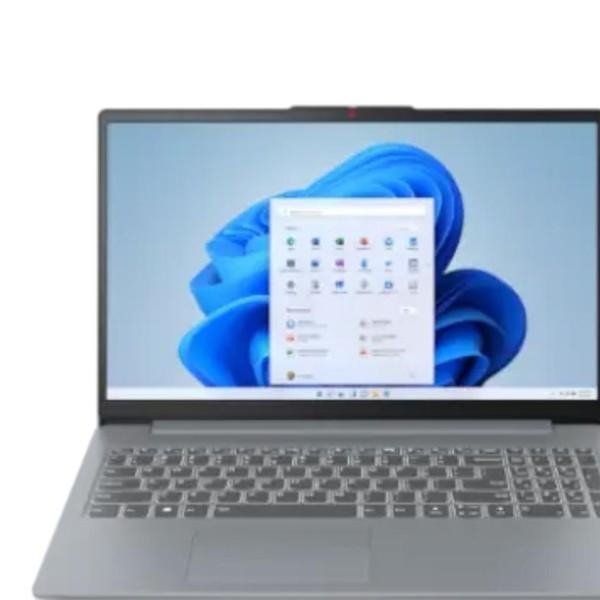
Before you buy, name what the machine is actually for. Work, meetings and travel point to a ThinkPad (light, durable, legendary keyboard); design and flexible use to a Yoga 2-in-1; serious gaming to Legion (or LOQ for value); everyday study and browsing to an IdeaPad. The same logic runs across the range — a Tab for reading and notes, a desktop for a fixed powerhouse, a ThinkVision or Legion monitor to finish the setup. Pick the family for the job first, then the size and weight that suit your day — the right machine beats the most expensive one.
Step 2: Spec It Right — and Future-Proof for AI
Inside the chassis is where money is won or lost. Aim for the specs that matter: at least 16GB of RAM and a fast SSD so the machine stays quick for years, a display and battery matched to how you work, and a discrete GPU only if you game or create. In 2026 the new lever is the AI PC — look for a Copilot+ or Lenovo Aura Edition machine with a capable NPU if you want on-device AI (smart search, live captions, image and text tools) that keeps working offline and sips battery. Buy the silicon you’ll grow into, not the one you’ll outgrow in a year.
Step 3: Respect the Two Non-Negotiables
Two checks take zero compromise. First: the specs for your actual workload — don’t under-buy the RAM and storage you’ll feel every day, and don’t overpay for a gaming GPU a spreadsheet will never touch. Second: reviews and protection — read recent owner reviews and expert tests before a big purchase, and add the right cover — Lenovo Premium Care or accidental-damage protection — on an expensive machine, because one out-of-warranty repair can cost more than years of coverage.
Step 4: Build Around One Account and Lenovo Vantage
A good setup only works if it maintains itself. Your MyLenovo account keeps your orders, saved configurations, warranty and reward points in one place, and the Lenovo Vantage app handles driver and firmware updates, battery and performance settings, and hardware diagnostics from a single dashboard — so your PC keeps running its best without a support call. One account, one maintenance hub, zero scattered logins.
Step 5: Time It — Sales, Student Deals and Configure-to-Order
The same laptop costs very different amounts depending on when and how you buy it. Lenovo runs frequent sales — seasonal, festive and anniversary events — plus student and education discounts, business pricing through Lenovo Pro, and eCoupons that stack on top. And because most machines are configure-to-order, you can add exactly the RAM, storage and warranty you need instead of paying for a shelf model’s compromises. Timing is the quiet multiplier: configure what you want, then buy it in a sale.

Step 6: Buy Smart — Trade-In, EMI, Rewards and Care
Two habits compound the savings. First, trade in and spread the cost — hand over your old laptop or phone for an exchange discount (which keeps e-waste out of landfill), use no-cost EMI or financing to turn a big buy into manageable months, and let MyLenovo Rewards earn points back on every purchase. Second, protect and maintain — Premium Care and the right warranty guard the expensive machine, and Lenovo’s trade-in and recycling options, plus services like CO₂ offsetting, make the upgrade cleaner. The system rewards the buyer who stops grabbing off the shelf and starts compounding.
Three Mistakes This Playbook Prevents
First: buying full price off the shelf — skip the sale, the student deal or the configurator and you pay more for less-matched hardware. Second: under-spec’ing to save a little now — 8GB of RAM and a small SSD feel cheap today and slow tomorrow; buy the memory and storage you’ll grow into. Third: ignoring trade-in and warranty — your old device is worth real money off the new one, and the right cover saves you far more than it costs.
Final Thoughts
Powering up smart is really a case for buying deliberately: match the machine to the mission, spec it for the years ahead (and for AI), respect reviews and protection, keep everything on one account with Lenovo Vantage, and let sales, trade-in and rewards compound. As the world’s number-one PC maker — with ThinkPad, Yoga, Legion and IdeaPad, a new generation of AI PCs, and trade-in, EMI and Premium Care to make it affordable — Lenovo is built for exactly this buyer: the one who refuses to buy a computer the same old way.
Disclosure: This article contains affiliate links. If you make a purchase through them, Urbanscut may earn a commission at no extra cost to you.