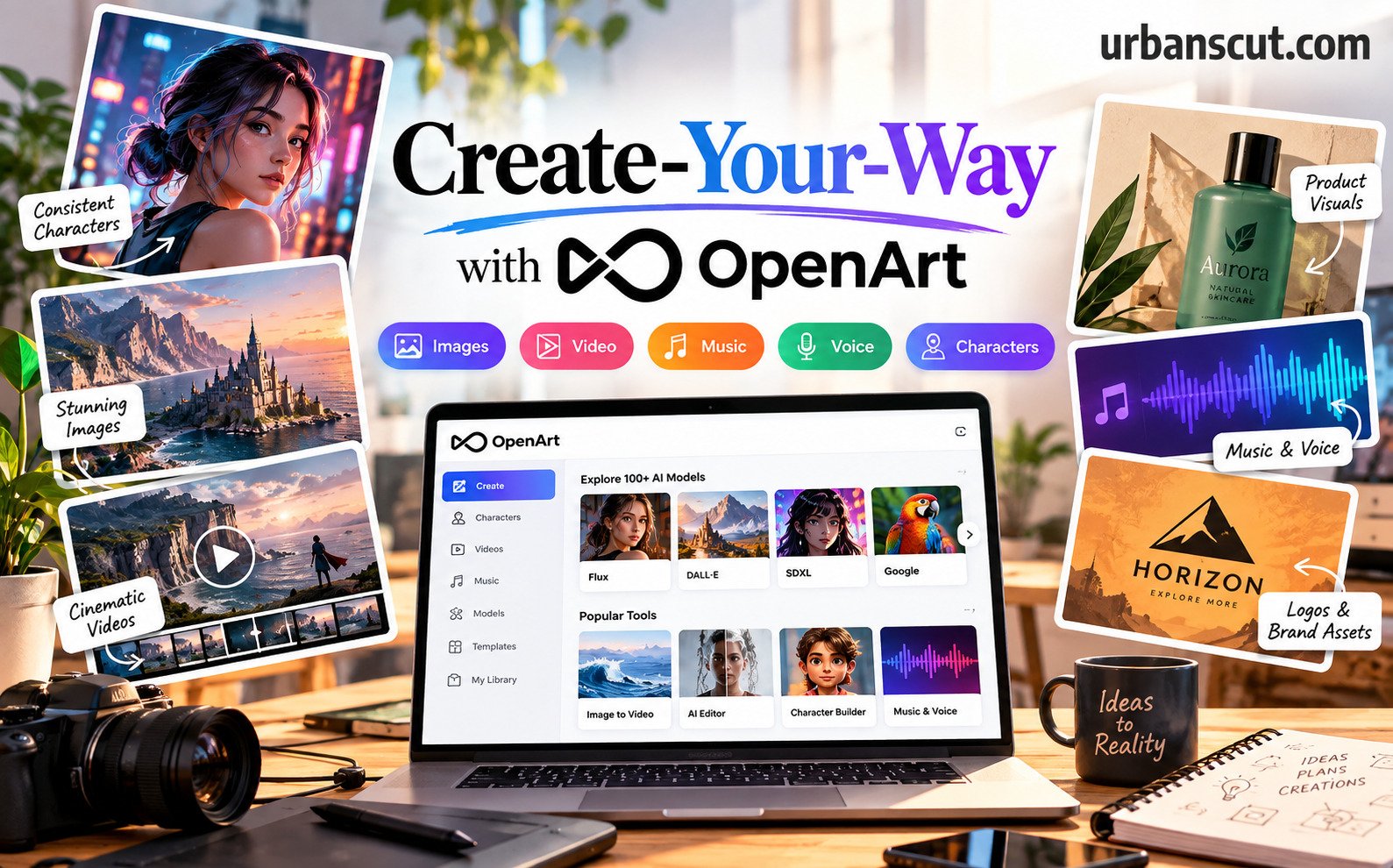
The biggest creative story of 2026 isn’t a single image — it’s a whole world. AI creation has leapt from one-off pictures to consistent characters, short films, music and brands, and the people pulling ahead aren’t the ones with the most tools — they’re the ones who stopped juggling a dozen of them. The problem is that most of us still create the way we did a year ago — one prompt, one model, one flat image, re-rolling until something sticks — and leave the best results, and real time, on the table. The fix isn’t creating less. It’s creating smarter.
That’s the home turf of OpenArt. Founded in 2022 by two ex-Google engineers and now trusted by over 10 million creators (plus brands and studios worldwide), it’s an all-in-one AI creation platform that brings characters, stories, brands and worlds to life. One workspace gives you 100+ models from Google, OpenAI, Seedance and more — for images, video, music and voice — along with a Character Builder for consistent characters, an AI editor, and custom model training. Two things turn that toolbox into a system: everything lives in one place, and it’s free to start with daily credits and no credit card. The golden rule: sign in and start free before you commit, because the daily credits, saved characters and your whole library only work once you have an account. Here’s the playbook.
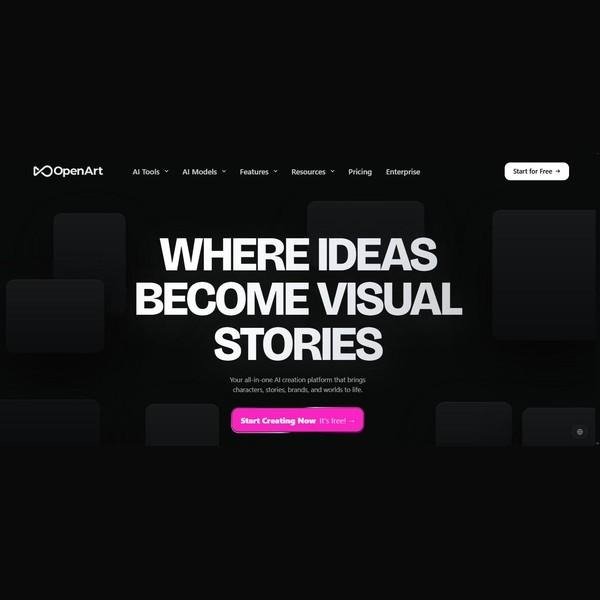
Step 1: Match the Model to the Idea, Not the Habit
Before you type a prompt, name what you’re actually making. A photoreal product shot, a stylised character, a logo, a 10-second video, a music bed — each has a model that’s best at it. OpenArt puts 100+ models in one place (Google’s, OpenAI’s, Seedance, FLUX and more) precisely so you stop forcing every idea through the one model you happen to know. Pick the model for the job first — the right one gets you there in a couple of tries instead of twenty.
Step 2: Start Free and Signed-In, Not Locked-Out
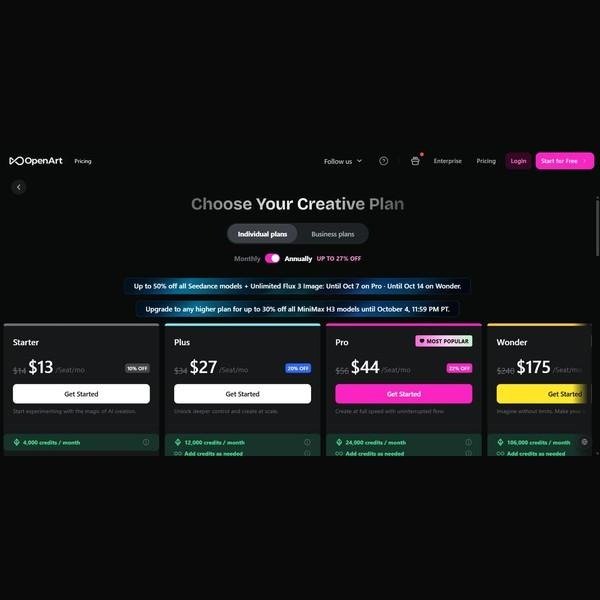
Your best work only compounds when you’re signed in, and it starts the moment you create a free account — no credit card. The free tier gives you daily credits to generate and experiment; when you want more speed and premium models, paid plans scale up — Starter, Plus, the popular Pro and Wonder — billed on credits and starting around $13 a seat per month, with up to 27% off annually. Signing in is also what saves your characters, history and library, so every session builds on the last instead of starting from a blank box.
Step 3: Respect the Two Non-Negotiables
Two habits take zero compromise. First: write a specific prompt — name the subject, style, lighting and composition, because ‘a cool poster’ gets you noise while ‘a minimalist travel poster, flat vector, warm dusk palette’ gets you a result. Second: lock in consistency — use the Character Builder and reference images so your character, style or brand stays the same across every scene and edit, instead of a brand-new face each time you generate.
Step 4: Build Around One Workspace
A finished piece can touch several tools — generate an image, restyle it, upscale it, animate it, add a voiceover — and that only works if it all lives in one place. The OpenArt workspace keeps generation, editing (erase, expand, background swap, 4K upscale), image-to-video and audio together, with your models, characters and library side by side. One login, one library, zero exporting between five different apps.
Step 5: Direct It — Iterate, Don’t Re-Roll
A great result usually comes from steering, not luck. Instead of re-rolling the same prompt and hoping, iterate with intent: generate variations, edit in place with inpainting, and use OpenArt’s Director to ‘vibe-direct’ a video in plain language while Smart Shot builds cinematic cuts for you. Lock a seed or a character when something works so you refine it rather than lose it. Directing beats gambling — a few deliberate passes beat fifty random ones.
Step 6: Create Smart — Templates, Remix and Reusable Assets
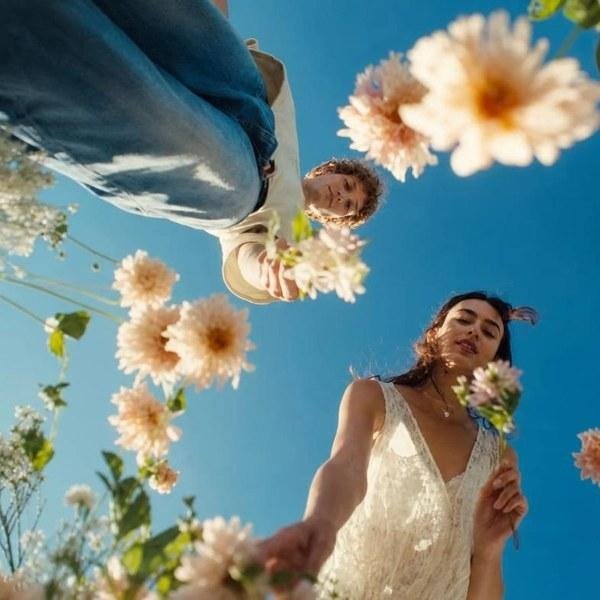
Two habits compound your output. First, start from templates and the community — OpenArt’s creative apps and Explore gallery give you proven prompts and styles to remix instead of facing a blank canvas every time. Second, build reusable assets — train a model or save a character once, and every future project starts ahead. The platform rewards the creator who stops starting from scratch and starts compounding — a library, characters and styles that make each new piece faster and better.
Three Mistakes This Playbook Prevents
First: creating logged out, or never signing up — the daily free credits, saved characters and your library only exist once you have an account, so skipping it leaves value on the table. Second: forcing one model to do everything — the wrong model for the job costs you dozens of re-rolls and still misses. Third: re-rolling a vague prompt instead of editing and directing — a specific prompt plus a few deliberate passes beats endless random generations almost every time.
Final Thoughts
Turning ideas into visual stories is really a case for creating deliberately: match the model to the idea, start free and signed-in, write specific prompts and keep characters consistent, keep everything in one workspace, and let templates, remixing and your own trained assets compound. With 100+ models for images, video, music and voice, a free tier to start and a workspace built for whole worlds rather than one-off images, OpenArt is built for exactly this creator — the one who refuses to make every idea the same old way.
Disclosure: This article contains affiliate links. If you make a purchase through them, Urbanscut may earn a commission at no extra cost to you.